Creating a home workspace that promotes both relaxation and productivity is essential for anyone working remotely or spending significant time on personal projects. A well-designed space helps you focus, reduces stress, and makes your workday more enjoyable. Here are practical tips to help you set up a home workspace that balances comfort and efficiency.
Choose the Right Location
Consider Natural Light
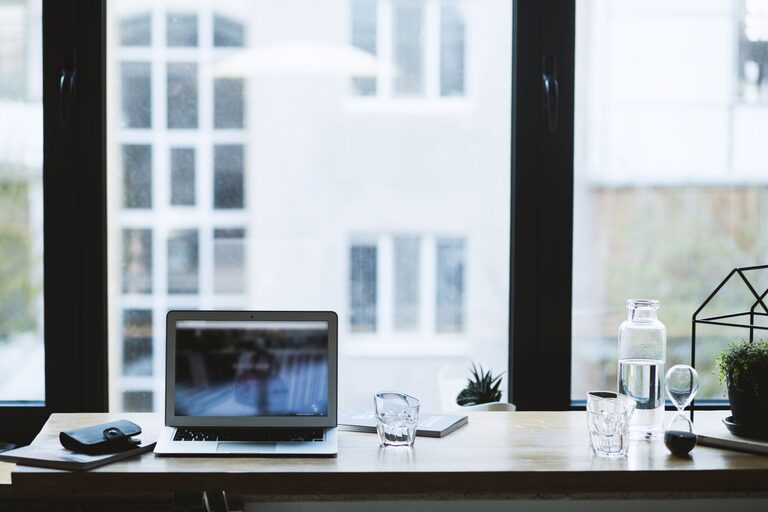
Pick a spot with plenty of natural light if possible. Sunlight can improve your mood and energy levels, making it easier to stay focused. Position your desk near a window, but try to avoid glare on your computer screen by using blinds or sheer curtains.
Minimise Distractions
Select a quiet area where you’re less likely to be disturbed by household noise or foot traffic. If space is limited, consider noise-cancelling headphones or ambient noise playlists to help block out distractions.
Invest in Ergonomic Furniture
Supportive Chair and Desk
An ergonomic chair that supports your back and encourages good posture is a must for long hours of work. Adjust the height so your feet rest flat on the floor, and your arms are at a comfortable angle when typing.
Pair it with a desk at the right height to avoid slouching. Standing desks or adjustable sit-stand desks are good options for changing positions throughout the day.
Organise Your Workspace
Keep your desk tidy with storage solutions like drawers, organisers, or shelves. A clutter-free space reduces stress and helps maintain focus.
Personalise with Calming Elements
Use Soothing Colours
Colours affect mood and productivity. Soft blues, greens, or neutrals usually create a calming atmosphere. Consider repainting the walls or adding coloured accessories like cushions, mats, or artwork.
Bring Nature Indoors
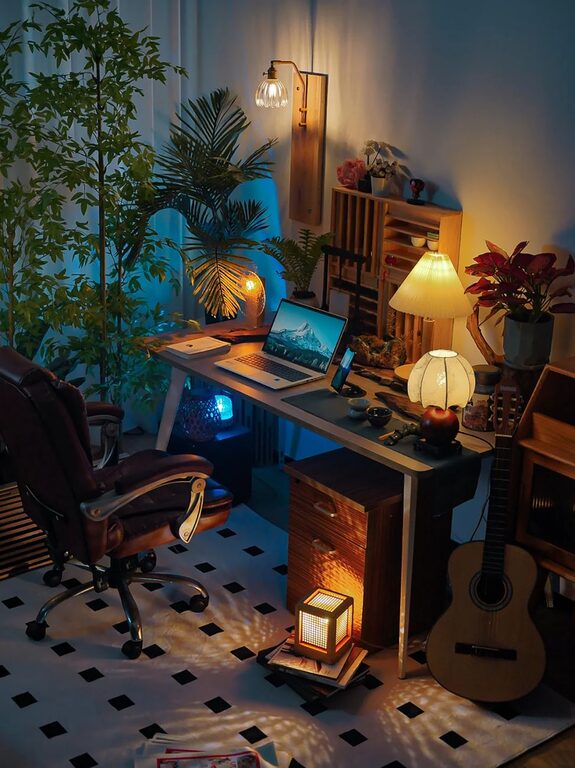
Incorporate plants into your workspace. Indoor plants improve air quality and have a calming effect, making your work environment feel more inviting.
Manage Lighting and Screen Position
Layer Your Lighting
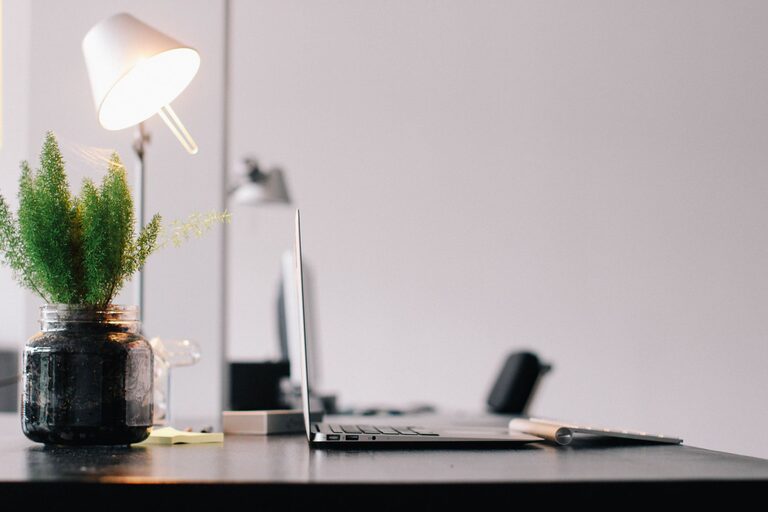
Good lighting is crucial. Combine natural light with layered artificial lighting to avoid eye strain. Use a desk lamp with adjustable brightness to complement overhead lighting.
Position Screens Correctly
Place your computer screen at eye level and about an arm’s length away. This setup reduces neck and eye strain and helps you maintain good posture.
Create a Routine and Set Boundaries
Define Work Hours
Establish clear working hours to separate work from personal time. This helps prevent burnout and maintains a healthy work-life balance.
Communicate Boundaries
If you live with others, let them know your work schedule and try to minimise interruptions. Use signs or signals if necessary to indicate when you are focused.
Incorporate Relaxation Breaks
Designate a Rest Area
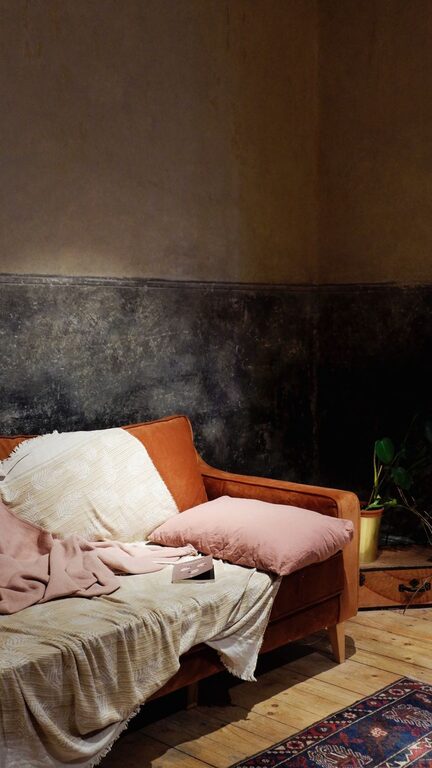
If space allows, create a small area within your workspace where you can take short breaks. A comfy chair, cushion, or bean bag can encourage you to step away from the desk and recharge.
Practice Mindfulness or Stretching
Use breaks to do simple stretching exercises or mindfulness techniques. These activities reduce tension and improve concentration when you return to work.
Use Technology Wisely
Choose Productivity Tools
Use apps and software that help organise your tasks and time, such as digital calendars, task lists, and focus timers.
Minimise Screen Distractions
Turn off non-essential notifications and consider apps that block distracting websites during work hours to maintain focus.
Personal Comfort and Health
Maintain Air Quality
Keep your workspace well ventilated. Fresh air helps you stay alert and comfortable during long work sessions.
Stay Hydrated and Nourished
Keep a water bottle nearby and snack healthily to maintain energy levels.
—
Setting up a home workspace that supports both relaxation and productivity doesn’t have to be complicated or expensive. With intentional choices—ranging from location and lighting to furniture and personal touches—you can create an environment that makes working from home a pleasure rather than a chore. Begin with small changes and tweak your setup as you learn what works best for you.
About the Author